

Browser Ops Pro
Guarded browser automation from JSON plans: checked without a browser, kept on allowed sites, paused before changes, with redacted secrets and screenshot evidence.
About Browser Ops Pro
Checking the same admin pages and dashboards by hand is slow, and letting an AI click around a logged-in site is risky. Browser Ops Pro gives your AI a safer middle path: it writes a short JSON plan, checks it, runs it with Playwright and the Chrome or Edge you already have, and leaves a report you can read.
Plans use 23 actions to navigate, wait, assert, extract text, attributes, tables and counts, take screenshots, hover, scroll, and (only when allowed) click, fill and submit. A validate mode catches mistakes without opening a browser. An allowedOrigins list blocks navigation to any other site before the request leaves the browser. Changing steps need allowMutations, and a step marked confirm stops the run with a screenshot until you rerun with --yes. Secrets come from environment variables and are redacted from every output, and filled secret fields are masked in screenshots.
Each run writes result.json, a Markdown report, failure screenshots, per-step timing and retry counts, and can keep a JSONL history that shows what changed since the last run. A login bootstrap lets you log in by hand once into a saved profile, and a session check tells you whether that login still works.
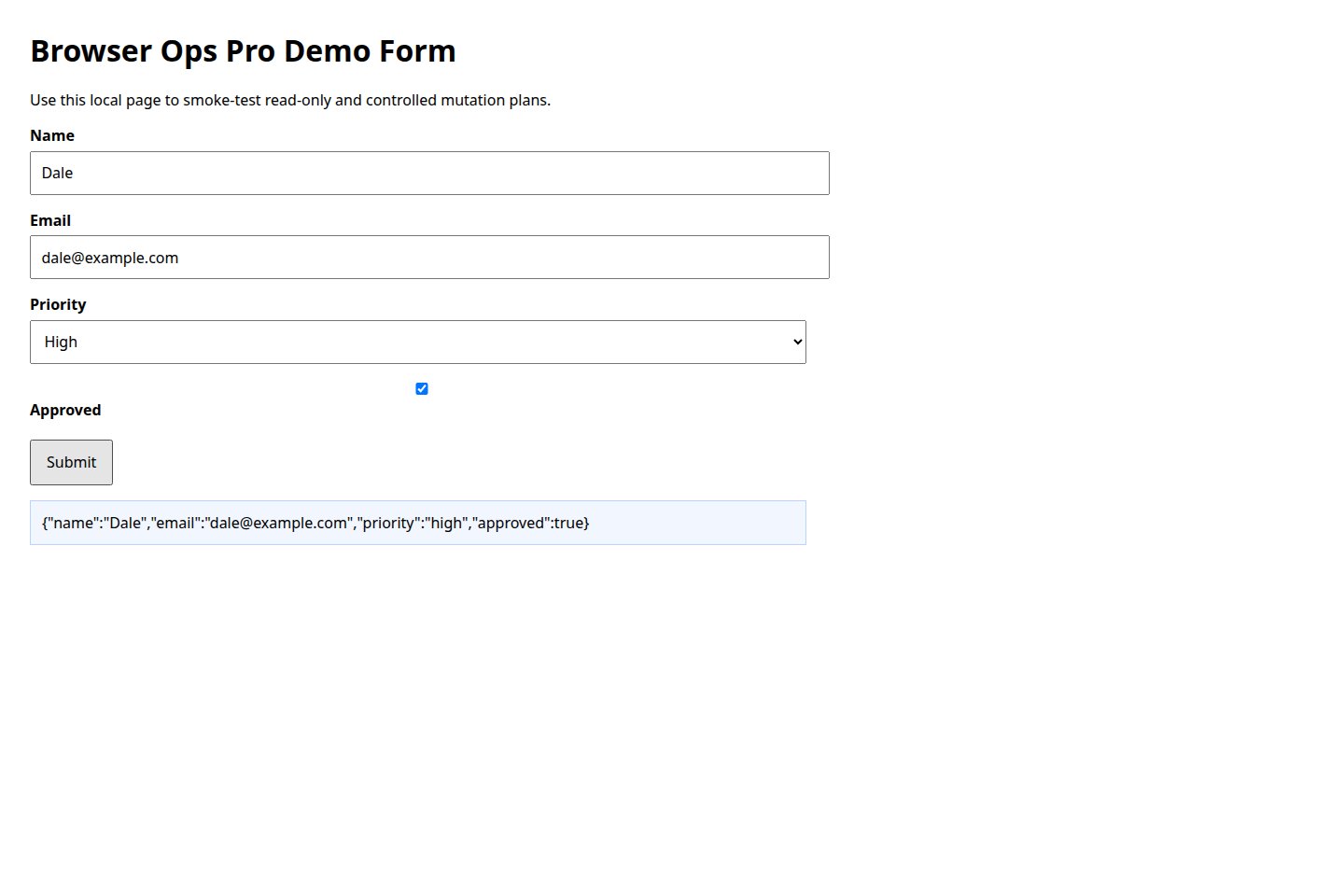
Inside: three Node.js scripts with --help and an offline --self-test, a plan schema reference, workflow and browser setup guides, a demo page with example plans, and a test log. Old 1.x plans still run.
You install playwright-core yourself (no browser download). Chromium-based browsers only. It doesn't solve captchas or 2FA, and it isn't a large-scale scraper. Saved profiles hold live logins, so keep them private.
Highlights
- Validates JSON plans without opening a browser
- Domain guard keeps runs on allowed origins
- Read-only default; confirm step before changes
- Secrets from env vars, redacted in every report
- Failure screenshots, timings, retries, history
- Saved-login profiles with a session check
- browser automation
- playwright
- admin ops
- web testing
- screenshots
- dashboards
- openclaw
Keep exploring
More like this

Competitor Teardown
by Marketplace Founder · Web & Data Research
Researches one competitor with your AI's web tools and writes a sourced teardown, with confidence levels, a scorecard and ranked opportunities.

SaaS Launch Monitor
by Marketplace Founder · Developer & DevOps Tools
Read-only checks for your live site and API: status, redirects, page text, JSON health, latency and TLS expiry, with uptime trends and incident drafts.

AgentLoomX Publisher
by Marketplace Founder · Developer & DevOps Tools
Claude Code plugin and OpenClaw skill that checks, packages, publishes and updates your AgentLoomX listings, and shows what the reviewer will see.